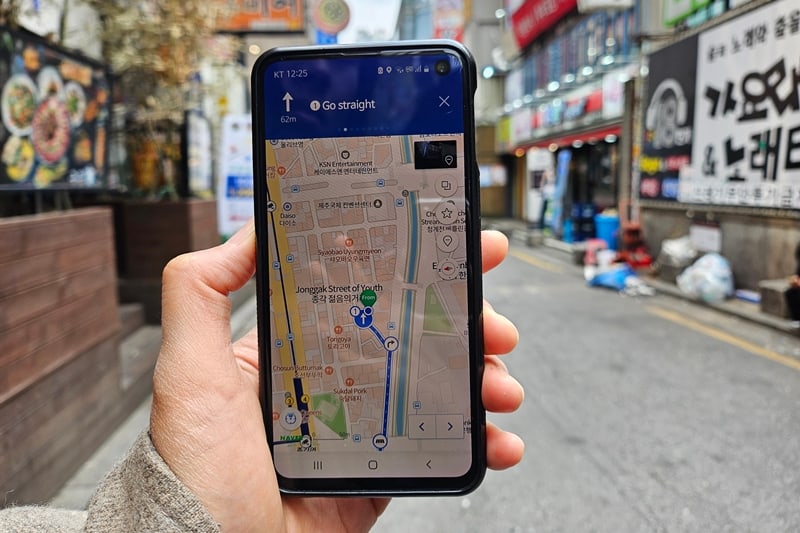
Does Google Maps Work in Korea? Naver Map and Kakao T
Does Google Maps work in Korea in 2026? The honest answer is: better than before in some ways, but you should still prepare as if Google Maps is not your main navigation app.
That sounds strange if you are coming from the United States, Europe, Australia, or almost anywhere else where Google Maps quietly runs daily life. Korea is different. For years, tourists have arrived in Seoul, opened Google Maps, found the restaurant, and then discovered that walking, transit, and turn-by-turn directions do not behave the way they expected.
The big 2026 twist is that South Korea has reportedly approved Google's long-running request to export high-precision map data under strict security conditions. That matters. It could eventually make Google Maps much more useful in Korea. But for an actual trip, especially one happening soon, the practical answer is still simple: set up Naver Map, Kakao T, Papago, and a battery plan before you land.
This guide explains what changed, what still breaks, which Korea travel apps tourists should install, and how to avoid the classic "standing outside a subway exit with 4 percent battery" disaster.
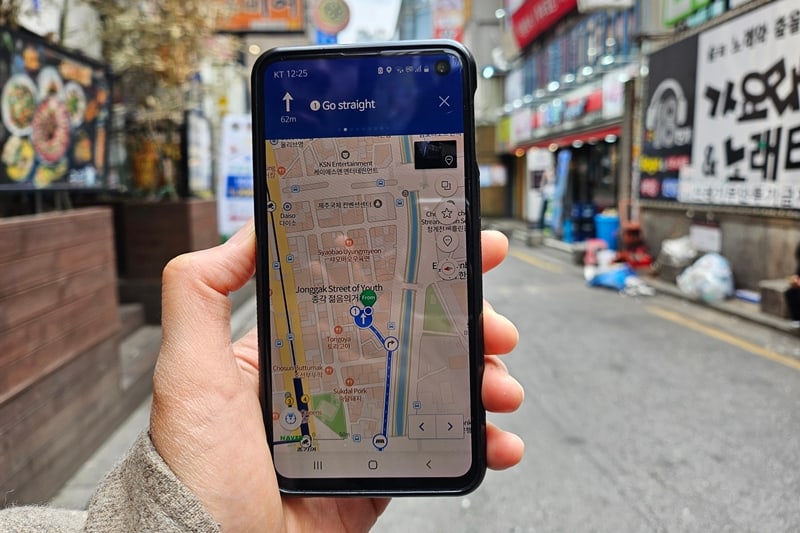
Quick Answer: What Maps App Should Tourists Use In Korea?
Use this setup:
- Naver Map for most walking, subway, bus, restaurant, and place searches.
- Kakao T for taxis and ride-hailing.
- Papago for Korean text, menus, signs, and awkward translations.
- Google Maps for saving places before the trip, reading some reviews, and checking broad geography.
- A portable power bank because every one of those apps becomes useless when your phone dies.
As of June 22, 2026, do not assume Google Maps alone is enough for Korea. AP reported in 2026 that South Korea approved Google's map-data export request under strict conditions, after years of restrictions. But that approval does not mean every tourist route will instantly feel like Google Maps in Tokyo, Paris, or New York.
Think of 2026 as a transition year. Google Maps may improve, but Naver Map and Kakao still remain the practical Korea-first tools.
Anker 10,000mAh power bank — on AmazonAffiliate link. As an Amazon Associate, EpicKor earns from qualifying purchases at no extra cost to you.
Why Google Maps Has Been Weird In Korea
Korea is one of the world's most connected countries. Internet speed, mobile payments, subway systems, QR menus, and delivery apps are everywhere. That is why the Google Maps problem surprises visitors so much.
The issue is not that Korea lacks digital maps. The issue is that detailed geographic data has been treated as sensitive, partly because of national security concerns. For years, foreign map providers could not use Korean mapping data the same way they do in many other countries. Local companies such as Naver and Kakao built strong domestic map ecosystems, while Google Maps stayed limited for practical navigation.
The Guardian described the tourist problem clearly in 2025: visitors could find places on Google, but still had to switch to local apps for working directions.
That creates a specific kind of travel friction:
- You search a cafe in English on Google.
- You read reviews there.
- You tap directions.
- The route is weak, missing, or not as useful as expected.
- You copy the name into Naver Map.
- You hope the Korean name matches.
- You realize the cafe is near Exit 8, not Exit 2.
That is not impossible. It is just annoying when you are tired, hungry, or late.
What Changed In 2026?
The important 2026 news is conditional approval.
AP reported that South Korea approved Google's request to export high-precision map data to overseas servers, but with security conditions. Those conditions were reported to include domestic processing first, excluding some sensitive data, blurring certain military and critical infrastructure imagery, and having a compliance officer in Korea.
For tourists, the important part is not the legal detail. The important part is expectation management.
The change may eventually improve Google Maps in Korea. It may make trip planning easier for foreign visitors. It may reduce the awkward split between "search on Google" and "navigate on Naver." But there can be a gap between policy approval, technical rollout, compliance review, app behavior, language quality, and real tourist reliability.
So if your trip is this year, do not build your plan around a future version of Google Maps. Build it around the tools that already work well inside Korea.
| App | Use It For | Tourist Risk | Best Habit |
|---|---|---|---|
| Google Maps | Pre-trip saves, broad location checks, some reviews | Directions may still feel incomplete or inconsistent | Save ideas, then verify routes in Naver Map |
| Naver Map | Walking, subway, bus, place search, local routes | English search can require patience | Copy Korean place names when possible |
| Kakao T | Taxis, pickup points, ride estimates | Account/payment setup can be annoying for visitors | Install before you need a taxi in the rain |
| Papago | Signs, menus, addresses, short conversations | Machine translation can be too literal | Use image translation plus common sense |
| Subway apps | Fast subway-only route checks | Can miss walking context | Use as a second opinion for transfers |
The Tourist App Stack That Actually Works
The cleanest setup is not one perfect app. It is a small stack where each app has a job.
Use Google Maps before the trip to make a rough list. Search "Seoul coffee," "Myeongdong hotel," "museum near Gyeongbokgung," and save places that look interesting. Google is still useful as an English-language discovery layer, especially before you arrive.
Use Naver Map when you are actually moving. This is where exits, bus stops, walking routes, subway transfers, and local place names usually make more sense. Naver Map can feel busy at first, but it is built for Korea.
Use Kakao T when you need a taxi. That is especially useful late at night, during rain, with luggage, after shopping, or when you are leaving a place where street hailing feels uncertain. If you are coming to Korea during jangma rainy season, pair this with EpicKor's Seoul rainy day itinerary and Korea rainy season packing guide.
Use Papago when the map gives you a Korean place name, a restaurant menu, a notice, or a warning sign you cannot read. Google Translate can help too, but Papago often feels better tuned to Korean-to-English everyday use. And when the app is not enough, ask a person — Koreans under 35 will usually answer you in English, and the guide explains who to ask and how.
Use your notes app for hotel addresses. This sounds boring. It is also the difference between a smooth taxi ride and a ten-minute lobby panic. Save your hotel name in English, Korean, and full address format.
Build the phone survival kit first: As an Amazon Associate, EpicKor may earn from qualifying purchases. Before depending on maps, taxis, translation, and payments all day, compare portable power banks, Korea travel essentials, and travel card pouches. Korea rewards prepared phones.
See portable power banks on AmazonHow To Search Korean Places Without Losing Your Mind
The biggest app problem is not always the map. Sometimes it is the name.
Many places have multiple English spellings. A restaurant may appear under a romanized name, a translated name, a brand name, or a Korean-only listing. A cafe may be easier to find if you copy the Korean name from Instagram, Naver, Kakao, or the business website.
Use this search order:
- Search the English name in Google.
- Find the Korean name if it appears.
- Copy the Korean name into Naver Map.
- Check the neighborhood and nearest station.
- Check recent hours before traveling across town.
This matters most for restaurants, pop-ups, small cafes, clinics, and beauty shops. It matters less for major attractions such as Gyeongbokgung, COEX, Starfield Library, N Seoul Tower, and Incheon Airport.
If a place appears in multiple locations, check the branch carefully. Seoul has many repeated brand names and franchise branches. The wrong branch can quietly destroy your route.
The Subway Exit Rule
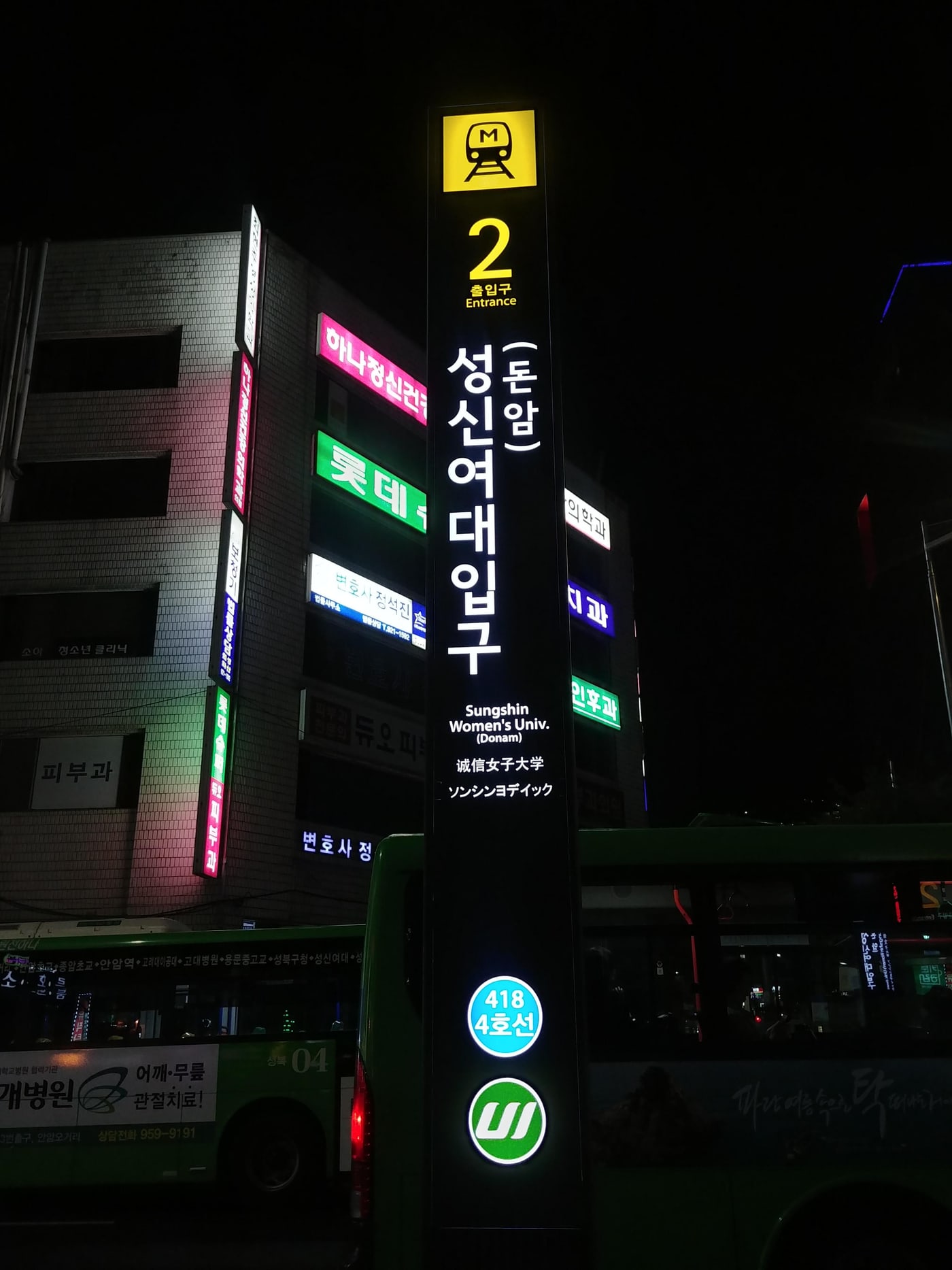
In Seoul, the exit number is often more important than the station name.
A big station can have many exits spread across large blocks. If your cafe is near Exit 9 and you come out of Exit 1, you may add ten minutes of walking, two extra crosswalks, and one confused moment where the map says you are "near" the place but your feet disagree.
Naver Map is useful here because it is better at local transit context. Pay attention to:
- exit number
- transfer walking time
- whether the route uses subway, bus, or both
- the last walking segment
- whether the destination is inside a mall, underground area, station, or building
Korea's subway system is excellent, but it is not magic. Big stations such as Seoul Station, Gangnam, Hongdae/Hongik University, Jamsil, Express Bus Terminal, and City Hall can be physically tiring. If you are traveling with luggage, read EpicKor's Korea hands-free travel guide before assuming one transfer is easy.
Station restrooms can also sit inside or outside the fare gates, so check EpicKor's public toilets in Korea guide before relying on a quick platform-level stop.
Taxi Apps: Why Kakao T Belongs On Your Phone
Kakao T is not only for people who hate walking. It is a safety valve.
Use it when:
- you have luggage
- it is raining hard
- you are leaving late
- the subway route has too many transfers
- you are traveling with kids
- your feet are done
- the destination is awkward by transit
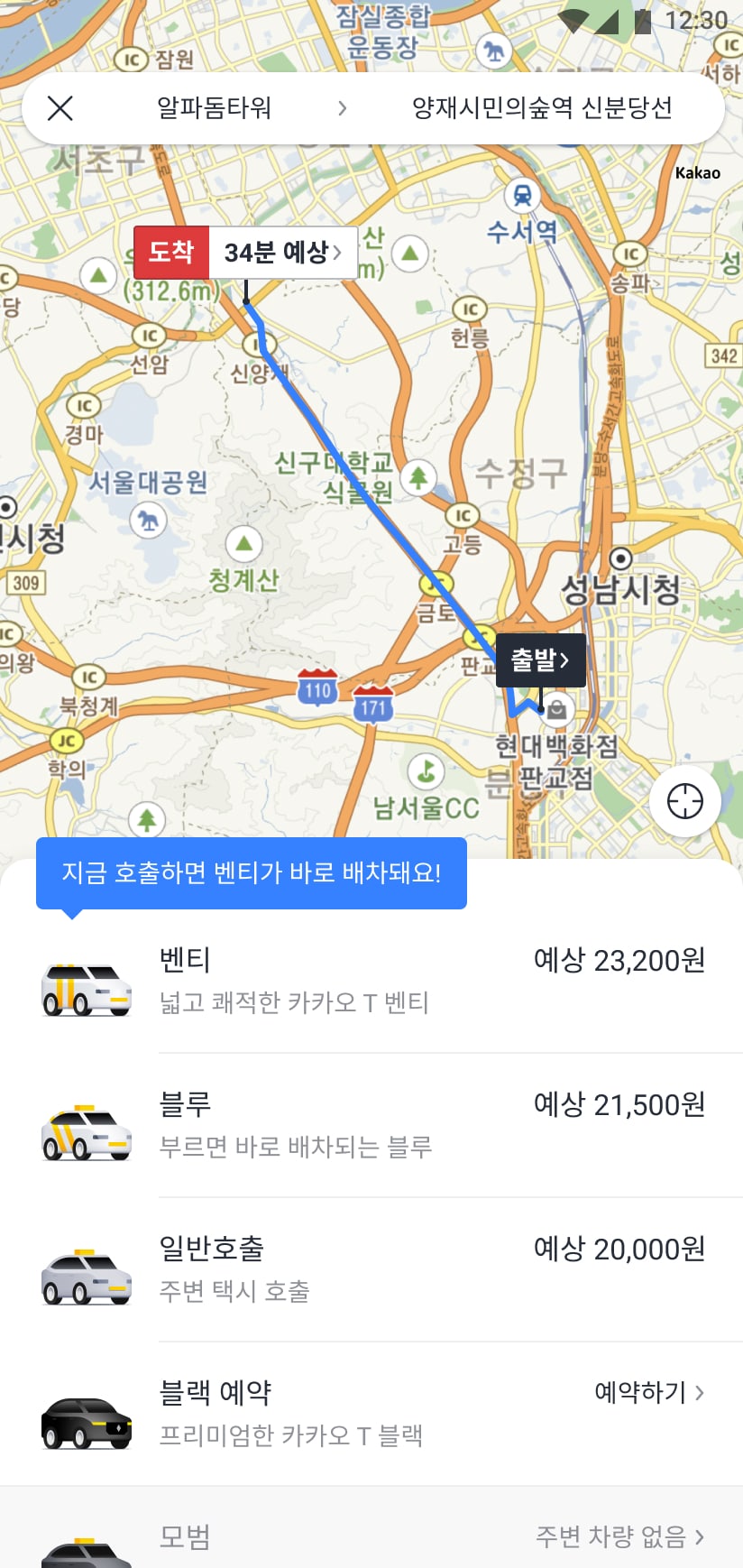
The catch is that setup can be less smooth for foreign visitors than it is for locals. Some travelers can use cash or card payment options depending on the ride and setup, but payment and account behavior can change. Install the app early, check what it lets you do, and do not wait until midnight outside a restaurant to discover your account is not ready.
If Kakao T becomes annoying, hotel staff can often help call a taxi, and major streets still have regular taxis. But as a tourist planning system, having Kakao T installed gives you one more escape route.
What About Apple Maps?
Apple Maps can also feel limited in Korea for similar underlying reasons around mapping data and local ecosystem dominance. It may be fine for a rough landmark check, but do not make it your only navigation plan.
If you use an iPhone, you can still use the same stack: Google for discovery, Naver Map for Korean navigation, Kakao T for taxis, Papago for translation, and Wallet/payment apps where supported.
The phone brand matters less than preparation.
Before You Fly: The 20-Minute Setup
Do this before departure, not in the airport line:
- Install Naver Map.
- Install Kakao T.
- Install Papago.
- Save your hotel address in English and Korean.
- Save your top 10 places in Google Maps and Naver Map if possible.
- Screenshot your first airport transfer.
- Check your eSIM or SIM plan.
- Pack a power bank.
- Put one payment card, transit card plan, and hotel card in a small pouch.
This is not overplanning. This is removing friction from the first day. Korea's first day already has enough: airport, SIM, transport, luggage, jet lag, payment, and hotel check-in.
Pair this setup with EpicKor's Korea eSIM vs SIM card guide, Korea travel payment setup, and Incheon Airport to Seoul guide.
Do not let the map day die at 3 p.m.: If your route depends on Naver Map, Kakao T, Papago, photos, and mobile payment, compare portable power banks, travel document organizers, and travel card pouches before the trip. Navigation is only useful while your phone is alive and your cards are findable.
See portable power banks on AmazonThe Best Korea Travel App Setup By Traveler Type
Different travelers need different levels of app discipline.
| Traveler Type | Must-Have Apps | Extra Setup | Biggest Risk |
|---|---|---|---|
| First-time Seoul tourist | Naver Map, Kakao T, Papago | Hotel address in Korean | Wrong subway exit or branch |
| Food traveler | Naver Map, Papago, Catchtable if needed | Korean restaurant names copied in notes | Hours, queues, reservation confusion |
| Shopping traveler | Naver Map, Papago, payment apps where supported | Receipt pouch and tax refund plan | Battery drain from photos and maps |
| Family traveler | Naver Map, Kakao T, Papago | Taxi fallback and restroom stops | Too many transfers |
| Festival traveler | Naver Map, Kakao T, weather app, Papago | Offline screenshots and meeting point | Signal/battery stress in crowds |
Mistakes To Avoid
Do not assume a highly reviewed Google restaurant is easy to reach. Verify it in Naver Map.
Do not assume every English place name will search cleanly. Copy Korean names.
Do not use one app for every job. Korea is easier with a small app stack.
Do not ignore buses. Seoul buses are often excellent, and Naver Map may show bus routes that save walking.
Do not let your battery fall under 20 percent if you are still out at night. That is when you need maps, translation, payment, and taxi options most.
Do not treat "near station" as "easy." Big stations can be mini-cities.
Do not wait until you are in Korea to learn the app interface. Open the apps at home and search your hotel, airport, and first dinner.
So, Does Google Maps Work In Korea?
Yes, but not enough to be your only plan.
Google Maps can help you discover, save, and understand places. It may improve after the 2026 map-data decision. But Korea's local map ecosystem remains the practical layer for real movement. Naver Map is still the tourist workhorse. Kakao T is still the taxi backup. Papago is still the translation friend you will use more than expected.
That is not a bad thing. Once you set it up, Korea becomes easier. You stop fighting the phone and start using the system the way locals and prepared visitors do.
The best Korea navigation strategy is not "Google Maps or Naver Map." It is: Google for ideas, Naver for movement, Kakao T for escape routes, Papago for language, and a charged phone for everything.
If you are staying for several weeks rather than a short trip, read the one-month Seoul living guide too. Long stays expose the app friction that quick tourists can ignore: phone verification, delivery limits, saved Korean addresses, laundry routes, and backup payment habits.
FAQ
Q: Does Google Maps give walking directions in Korea?
It may show some information, and the situation can change as Google's Korea map access evolves. But tourists should still verify real walking and transit routes in Naver Map, especially for subway exits, buses, small restaurants, and neighborhood-level movement.
Q: Is Naver Map available in English?
Naver Map has English support, but not every place search behaves perfectly in English. The best trick is to copy the Korean name of the destination when possible, then confirm the neighborhood, branch, and nearest station.
Q: Do I need Kakao T in Seoul?
You do not need Kakao T for every day, but it is very useful as a backup. Install it for rainy days, late nights, luggage moves, family trips, and awkward destinations where subway routing is too tiring.
Q: Can I just ask hotel staff to call taxis?
Yes, hotel staff can often help. That is a good fallback. Kakao T is still worth installing because you may need a taxi away from the hotel, after dinner, at a station, or during bad weather.
Q: What is the most important travel app for Korea?
For movement, Naver Map. For taxis, Kakao T. For language, Papago. For pre-trip discovery, Google Maps is still useful, but it should not be the only app you trust in Korea.
You Might Also Like
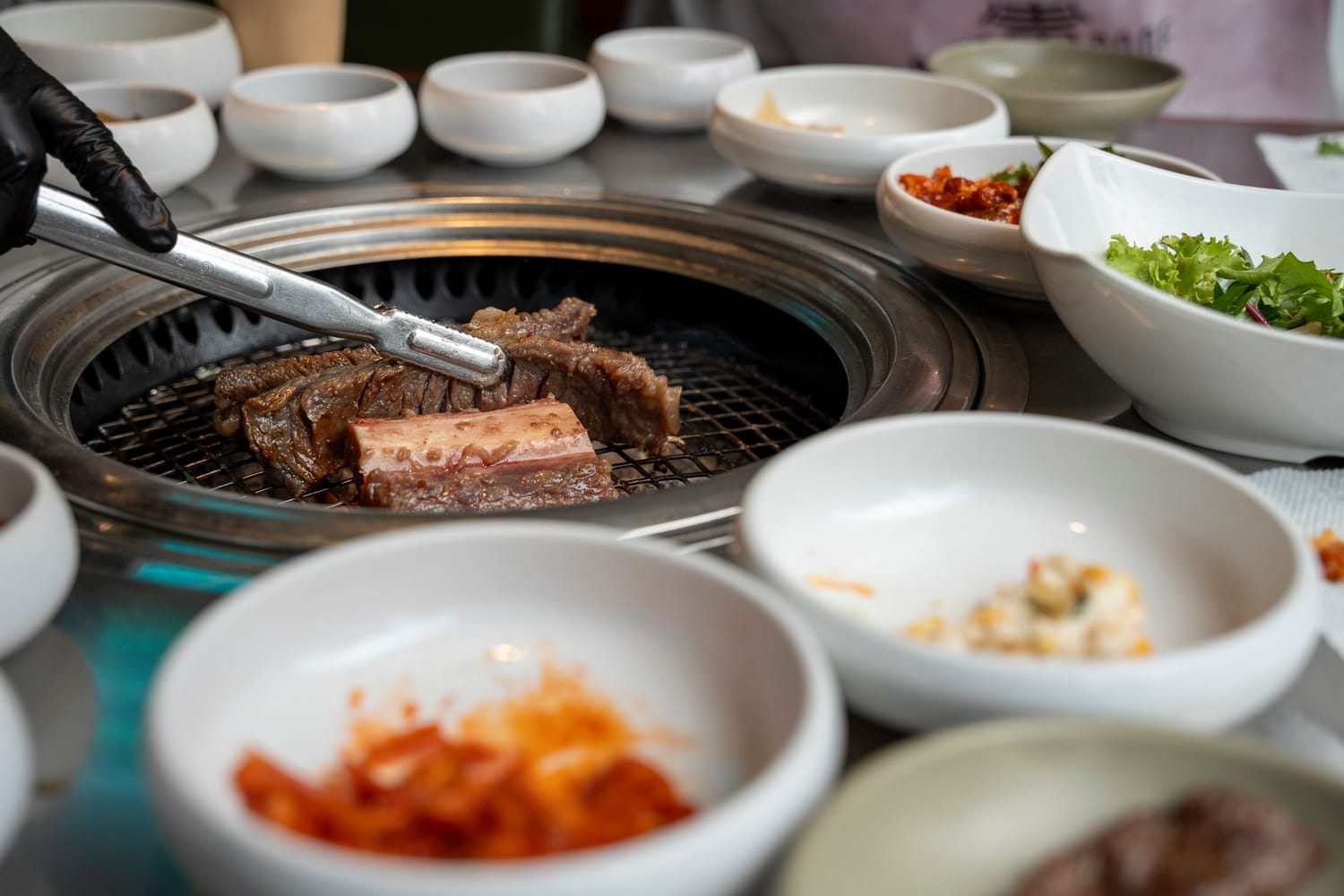
Korean Kitchen Scissors: Why Koreans Cut Meat and Noodles at the Table, and Why It Is Not an Office Scissor
Scissors on a restaurant table look wrong to most of the world and normal to every Korean. The tool is not a desk scissor: thick blades, one serrated edge, big rings, often detachable, built for galbi and cold noodles. Where it came from, and which one to buy.
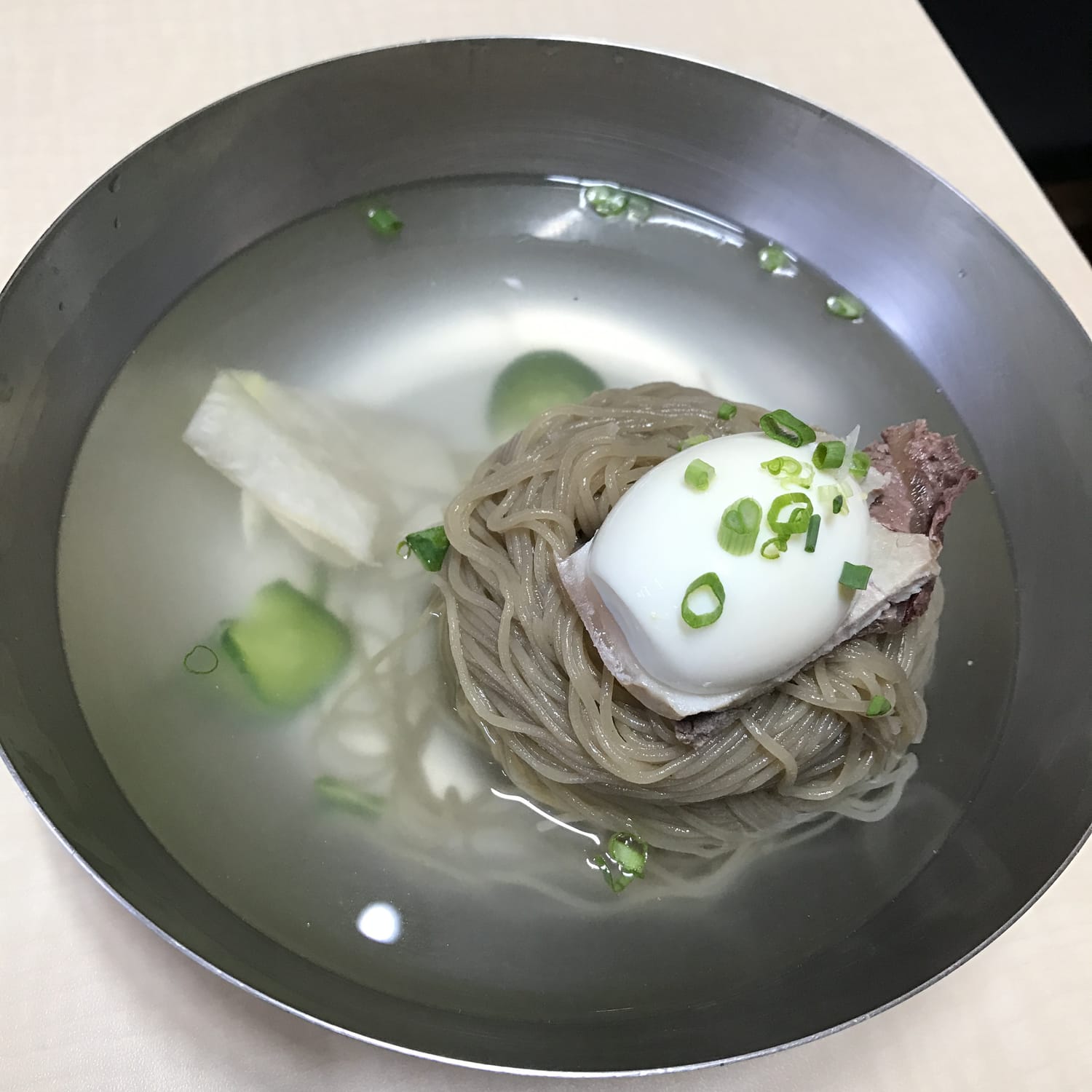
The One Korean Food Foreigners Never Learn to Love: Hamheung Naengmyeon, and Why Koreans Can't See the Problem
Foreigners who eat cheonggukjang and even hongeo still will not pay for this twice. A Korean creator who fed foreigners for years says naengmyeon was the overwhelming number one refusal, and Koreans, who rank it first every summer, cannot see why.
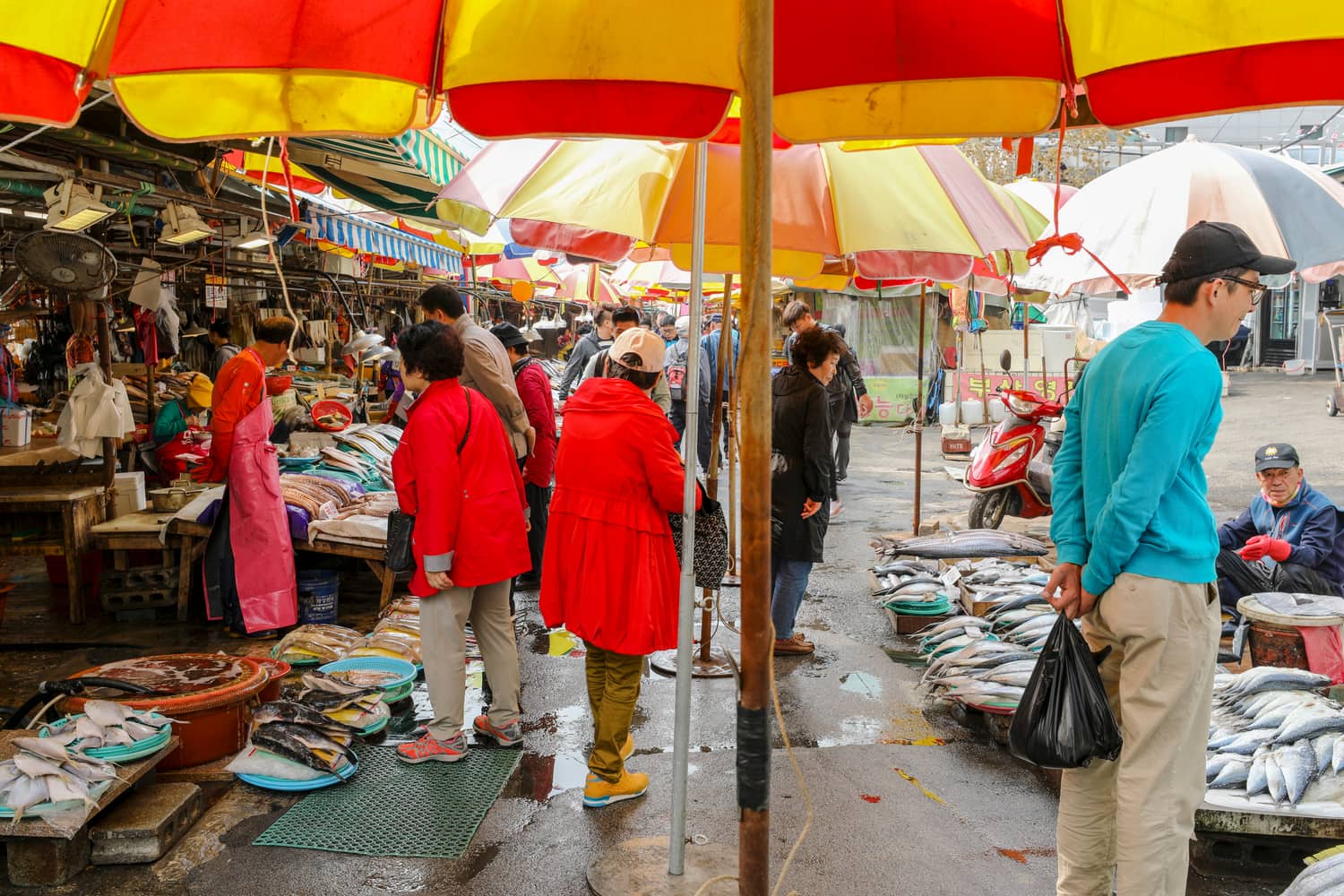
Why Do Koreans Stare at Foreigners? The 5% Country, and Where the Looking Actually Happens
In central Seoul nobody looks at you. In a provincial market, a small town or a subway car of grandmothers, they do. Korea only became a 5%-foreign country in 2025. Where the staring happens, what it means and does not mean, and what to do with it.