Korean Kiosk Panic Guide: How To Order Food In Seoul
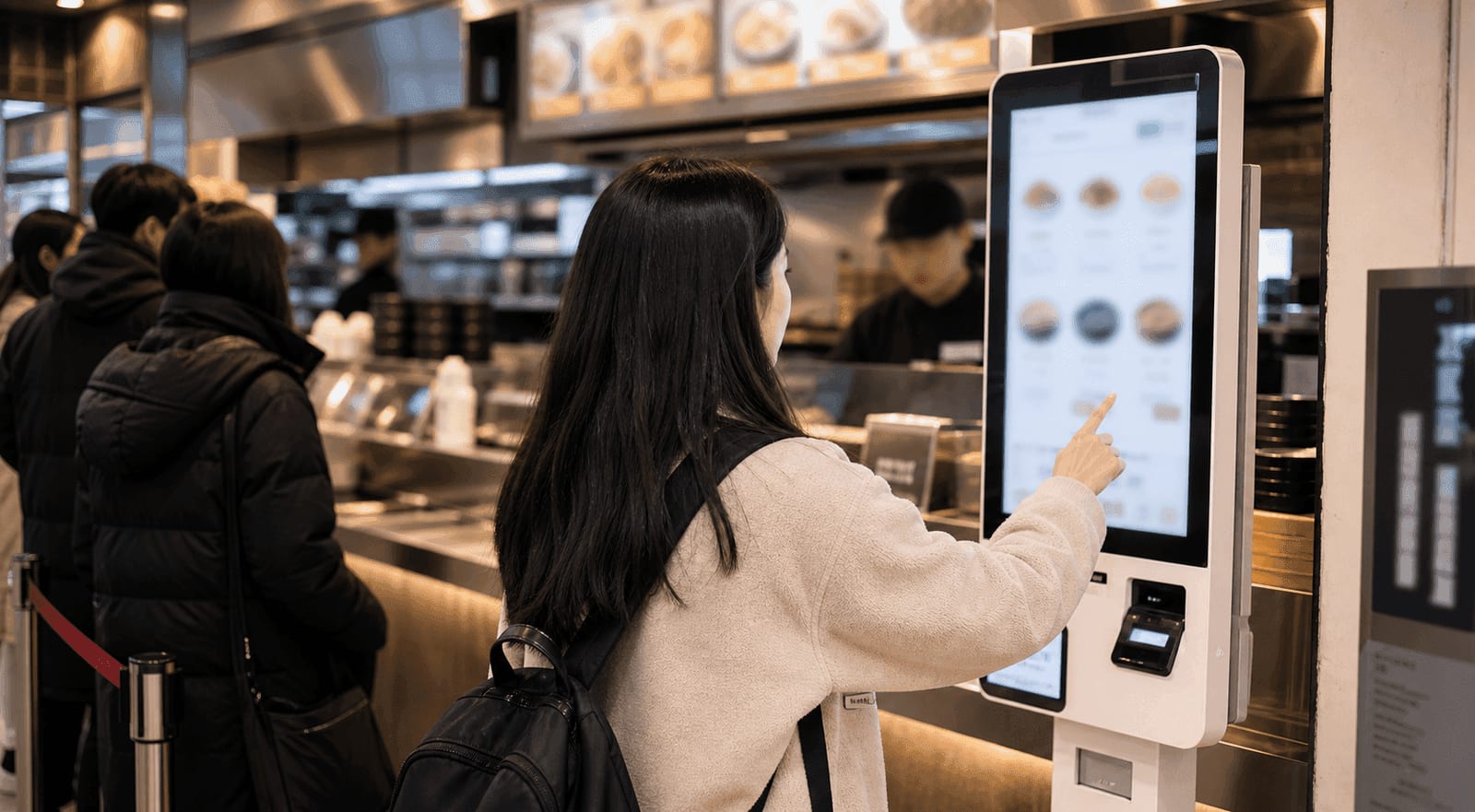
Korean kiosk ordering can turn a simple lunch into a small public performance. You walk into a Seoul restaurant, see no counter conversation, no smiling employee waiting for your order, and one touchscreen machine glowing near the entrance. The line moves fast. The menu is partly in Korean. A local taps three times, pays, and disappears. Now it is your turn.
This is why a Korean kiosk guide matters. Kiosks are not only in fast-food chains. You may see them in bunsik shops, cafes, dessert stores, food courts, train-station restaurants, ramen shops, burger spots, chicken places, and casual Korean restaurants. Some have English. Some do not. Some accept foreign cards. Some do not. Some print a receipt with an order number. Some send the number to a screen. Some make you choose dine-in or takeout before you even know what you want.
The good news is that most kiosk panic is solvable. You do not need perfect Korean. You need a sequence, a few menu words, and a plan for what to do when the machine refuses your card.
Lonely Planet Korean Phrasebook & Dictionary — on AmazonAffiliate link. As an Amazon Associate, EpicKor earns from qualifying purchases at no extra cost to you.
Quick Answer: How Do You Order From A Korean Kiosk?
To order from a Korean kiosk, first choose English if available, then select dine-in or takeout, choose the menu category, tap the item, pick size or spice options, check the cart, pay by card, take the receipt, and watch for your order number. If the machine has no English, use photo menus, familiar categories, translation apps, or ask staff politely before the line builds behind you.
The basic flow is:
- Look for English, Japanese, Chinese, or a language button.
- Choose dine-in or takeout.
- Choose menu category.
- Select item.
- Choose options such as size, spice, temperature, ice, toppings, or set meal.
- Check quantity.
- Pay.
- Take receipt.
- Watch the pickup screen or listen for your number.
- Pick up food and return trays if required.
If you are new to Korea travel, pair this with EpicKor's Korean convenience store breakfast guide, Korean subway snacks guide, Korean restaurant reservation guide, and things to know before traveling to Korea. Kiosks are one piece of the bigger "how do I move through Korea without freezing?" question.
Why Korea Uses So Many Kiosks
Kiosks solve several restaurant problems at once. They reduce counter congestion, make payment faster, help with order accuracy, and let small teams handle rushes. They also fit Korea's broader service culture: efficient, digitized, and comfortable with self-service in the right context.
For locals, kiosks are not always exciting. They are just another machine. For tourists, they can feel intense because the machine turns language, money, food choices, and social pressure into one screen. The line behind you is the real villain. It makes every button feel louder.
The trick is to stop thinking, "I must understand the whole machine." You only need to complete the next step.
The Buttons That Matter First
Korean kiosks vary, but several choices appear again and again.
Look for:
- English / EN: language setting;
- Eat here / Dine in: eating inside;
- Takeout / To go: 포장, often shown with a bag icon;
- Cart: selected items;
- Payment: card, mobile pay, or sometimes cash;
- Receipt: order number and proof of payment;
- Cancel / Back: useful but sometimes dangerous if it clears the cart.
You may also see Korean words:
| Korean | Meaning | Why It Matters |
|---|---|---|
| 매장 | Dine in | Choose this if eating inside. |
| 포장 | Takeout | Choose this if carrying food out. |
| 주문 | Order | Often begins or confirms the order. |
| 결제 | Payment | The step where your card matters. |
| 영수증 | Receipt | Needed for your pickup number. |
You do not need to memorize everything. Screenshot a few words or keep a translation app ready.
Dine-In vs Takeout
The first decision may be dine-in or takeout. This matters because packaging, taxes, pickup flow, cup rules, or tray return can differ. If you are eating inside, choose dine-in. If you are taking food back to a hotel, choose takeout.
In Korea, takeout may be shown as 포장. Dine-in may be 매장, 매장식사, or similar. Some kiosks use icons: table, tray, bag, or walking person.
If you choose wrong, do not panic. For many casual places, staff can still understand what happened. But do not assume they can always repack everything instantly during a rush. If you are unsure, look at what others are choosing, or ask: "Takeout?" while pointing to yourself and the bag icon.
Menu Categories And Set Meals
Kiosk menus often start with categories. This is where tourists get lost because the item you want may be hidden under a group:
- best / popular;
- new menu;
- set menu;
- burger;
- rice;
- noodles;
- drinks;
- coffee;
- dessert;
- side;
- spicy;
- chicken;
- seasonal.
Set meals can be confusing. A set may include a drink and side, or it may require you to choose them. If you only want one item, look for single item, 단품, or the item category. If you accidentally choose a set, the screen may ask for drink and side options. That is not always an error; it may be part of the set flow.
Payment Problems
Payment is the second major panic point. Korean kiosks often prefer cards, but not every foreign card works smoothly. Some machines may reject certain cards, ask for chip insertion, require a signature flow, or fail for no obvious reason.
Practical plan:
- Carry more than one card.
- Keep a small amount of cash.
- Try chip insertion if tap fails.
- Check whether the kiosk has a cash option.
- Ask staff if the payment fails twice.
- Do not keep re-running a failing card while the line grows.
If a card fails, it does not always mean your card is blocked. It may be the kiosk, the payment network, foreign-card compatibility, or a temporary issue. Step aside if needed and reset your plan.
This is also why a card pouch helps. You do not want to search through a backpack while a machine times out.
Receipt, Pickup Number, And Screens
After payment, take the receipt unless the kiosk clearly says no receipt is needed. Many Korean restaurants use order numbers. The number may appear on a printed receipt, the kiosk screen, a pickup monitor, or a small display above the counter.
Watch for:
- your order number;
- pickup counter;
- drink pickup separate from food;
- tray return area;
- self-service water, pickles, kimchi, utensils, or napkins;
- whether staff call numbers in Korean.
If your number is 152, you may hear "baek-o-sip-i-beon" in Korean, but you can usually watch the screen. If there is no screen, stand near the pickup area without blocking staff.
Customization Traps
Some kiosks ask for options that are easy to miss:
- hot or iced;
- spicy level;
- noodle firmness;
- rice amount;
- sauce;
- toppings;
- no onion;
- size;
- cup or bottle;
- set drink;
- table number.
The table number problem is important. In some cafes or casual restaurants, the kiosk may ask where you sit. If you have not chosen a seat yet, you may need to grab one first or ask staff. In a food court, it may not matter. In a small restaurant, it can matter a lot.
Do not rush through option screens. Many accidental expensive orders happen because a tourist taps a combo, adds toppings, chooses the largest size, and pays before reading the cart.
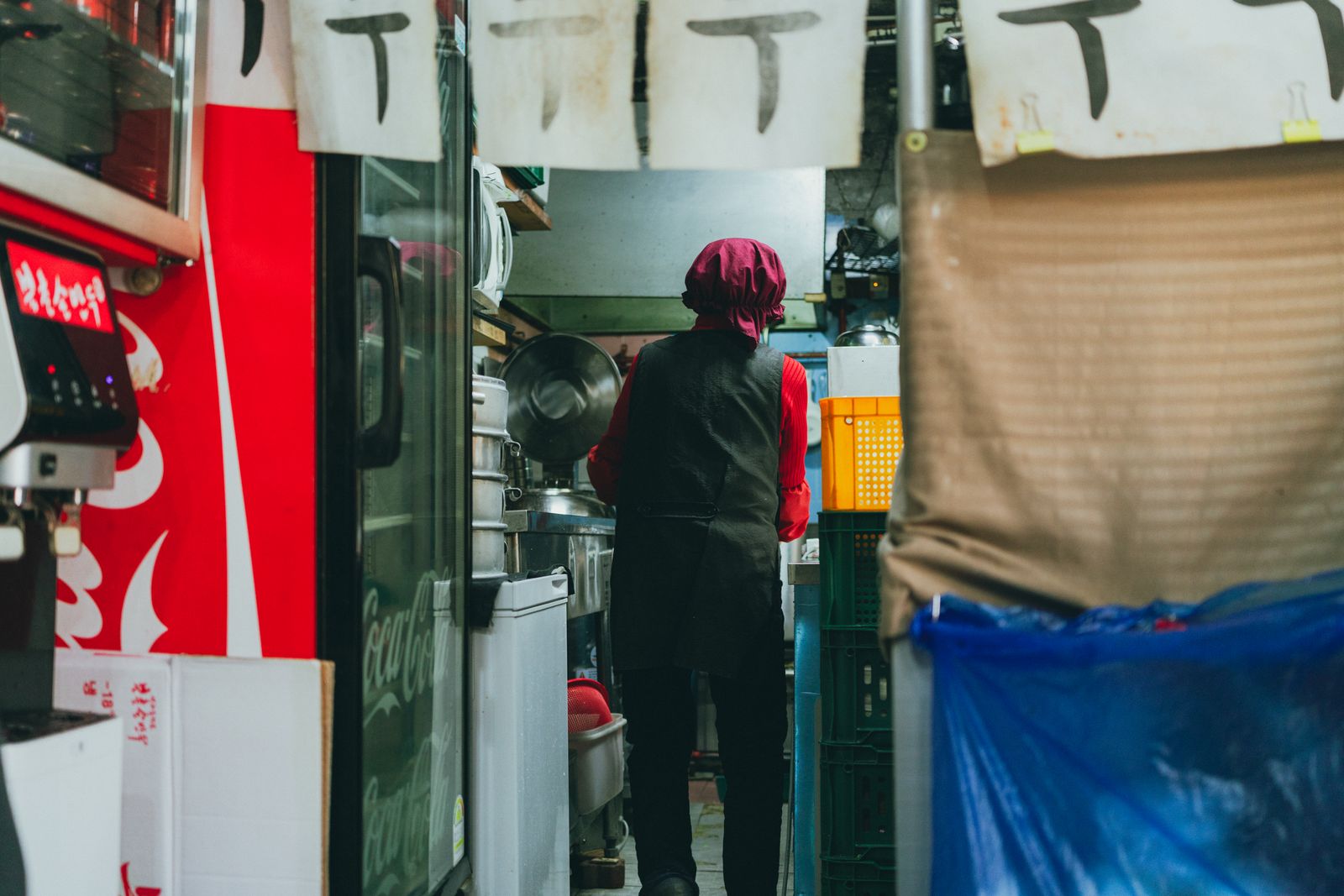
When There Is No English Button
If there is no English button, you still have options.
Use the image menu first. Many Korean kiosks rely on photos. If the restaurant is famous for one item, the best-seller category may be enough. Use translation apps carefully, but do not block the line while scanning every screen. If you need time, step aside.
Useful phrases:
- "English menu?"
- "Card okay?"
- "Takeout?"
- "This one, please."
- "Help me, please."
Pointing is acceptable when done politely. Staff may be busy, but most people understand that a foreign visitor can get stuck at a Korean-only machine. Be concise and grateful.
A Low-Panic Ordering Strategy
Use this workflow when you are hungry and the line is real:
- Stand aside for 20 seconds and watch one local order.
- Check for a language button.
- Decide dine-in or takeout before touching the screen.
- Choose a best-seller or photo item.
- Avoid complex customization.
- Review the cart.
- Pay.
- Hold the receipt.
- Move away from the kiosk.
- Watch the pickup area.
This is not about being perfect. It is about reducing the number of decisions you make under pressure.
Kiosk Etiquette
Do not film strangers struggling with a kiosk. Do not stand in the line while translating every menu option if you are not ready. Do not press buttons on someone else's order. Do not block the pickup counter after paying. Do not leave trays on tables if the restaurant has a return station.
Also, be patient with staff. Kiosks do not remove all human work. Staff are still cooking, packing, cleaning, handling payment errors, and answering questions. If you need help, ask directly and briefly.
You might like: Korean Restaurant Hours Explained: Break Time, Last Order, Monday Closures, Holiday Closures, and Korea's New No-Show Fine
FAQ
Q: Do Korean restaurant kiosks have English?
Many tourist-area kiosks have English, but not all. Smaller local restaurants may have Korean-only machines, photo menus, or staff-assisted ordering.
Q: Can I use a foreign credit card at Korean kiosks?
Often yes, but not always. Some machines reject certain foreign cards. Carry more than one card and a small cash backup.
Q: What does 포장 mean on a kiosk?
포장 means takeout. Choose it if you want the food packed to go. For eating inside, look for 매장 or a dine-in icon.
Q: What should I do if I ordered the wrong item?
Ask staff immediately and show the receipt. If cooking has already started, changes may not be possible, especially during a rush.
Q: Is it rude to ask for help at a kiosk?
No, if you ask politely and keep it brief. Step aside when possible, point to the screen, and use simple words such as "English?" or "Card problem?"
Final Take
Korean kiosk ordering feels scary because it compresses language, food, payment, and line pressure into one screen. But the system is predictable once you know the sequence: language, dine-in or takeout, category, item, options, cart, payment, receipt, pickup number.
You do not need perfect Korean to eat well in Seoul. You need a calm order flow, a backup card, a charged phone, and the confidence to step aside before the machine turns lunch into a panic event.
You Might Also Like
Eating Alone in Korea: Honbap, Honsul, and the 9 Levels Koreans Rank It By
Koreans grade solo dining on a 9-level scale from convenience store to bar, and it tells a visitor exactly which meals are easy alone. Plus the part guides skip: one-person households are now 36.1% of Korea, and the largest group is over 70.
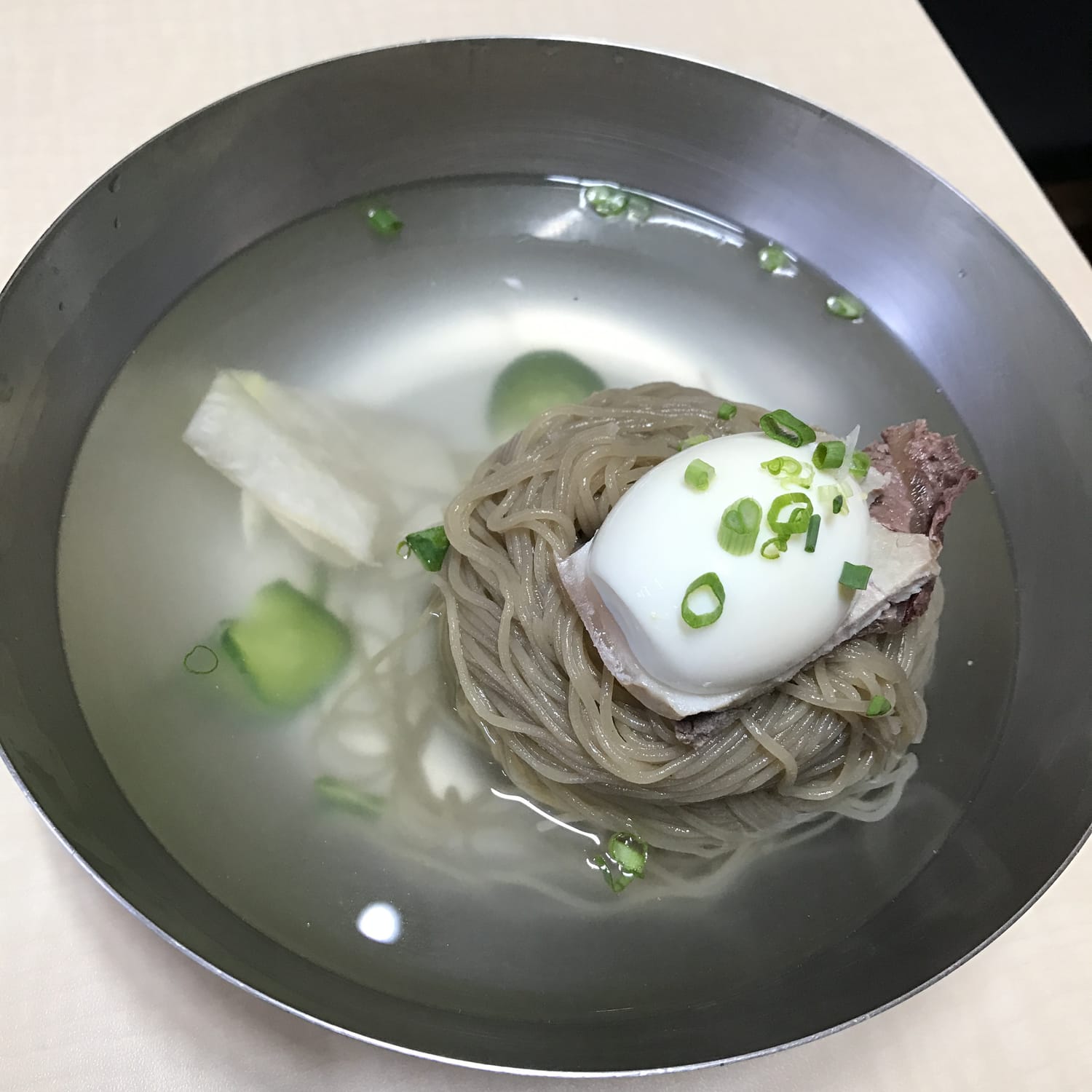
The One Korean Food Foreigners Never Learn to Love: Hamheung Naengmyeon, and Why Koreans Can't See the Problem
Foreigners who eat cheonggukjang and even hongeo still will not pay for this twice. A Korean creator who fed foreigners for years says naengmyeon was the overwhelming number one refusal, and Koreans, who rank it first every summer, cannot see why.
Do Koreans Speak English? Ask Someone Under 35 — What Actually Happens on a Seoul Street
Yes, if you ask the right person. Stop a Korean in their twenties or thirties on a Seoul street and you will almost always get an answer in English. The forum answer that says otherwise is twenty years old. Who to ask, how to ask, where English is built in.